

Do you want to access Gmail inbox? In this complete guide we show you how to log in to your Gmail inbox login from computer, smartphone and tablet, simply and quickly.
Do you have a Gmail account but aren't sure how to access your inbox? Or perhaps you're having trouble keeping your access organised and efficient? You're in the right place! In this article, we'll guide you through the steps to easily access your Gmail inbox, with some useful tips for managing your email more effectively.
Introduction to Gmail
In the vast universe of email, Gmail by Google stands out as one of the most popular choices for both individual users and professionals. With over 1.5 billion active users, Gmail is not just an email service, but a complete ecosystem for managing digital communications. Its intuitive interface, large storage capacity and robust security options make it ideal for a wide range of communication needs. But how do you access this powerful tool, and what are the differences between theclassic Gmail account and Gmail Workspace?
A standard Gmail account, recognisable by the address “@gmail.com”, is the most common option among individual users. It is free, offers 15 GB of storage space (shared with Google Drive and Google Photos) and includes features such as mail filters, advanced search and integration with other Google apps. This account is ideal for personal use, offering everything you need to efficiently manage your daily email.
On the other hand, Google Workspace (formerly known as G Suite) is a solution better suited to business and professional needs. Although it is based on the same Gmail platform, it offers additional features such as custom email addresses (for example, your.name@yourcompany.com), more storage space and advanced administration and collaboration tools. This paid service is customisable according to the size and needs of the organisation, allowing businesses to make the most of Gmail's capabilities within a collaborative work environment.
The process of accessing the inbox is similar in both cases, but Workspace users enjoy an additional level of control and customisation. In both versions, security and ease of use remain priorities, ensuring that, whether it is a personal or professional account, accessing the Gmail inbox is a smooth and secure experience.
Step 1: Access the Gmail Inbox
- Open the Browser: Use your preferred browser and go to the address https://mail.google.com/.
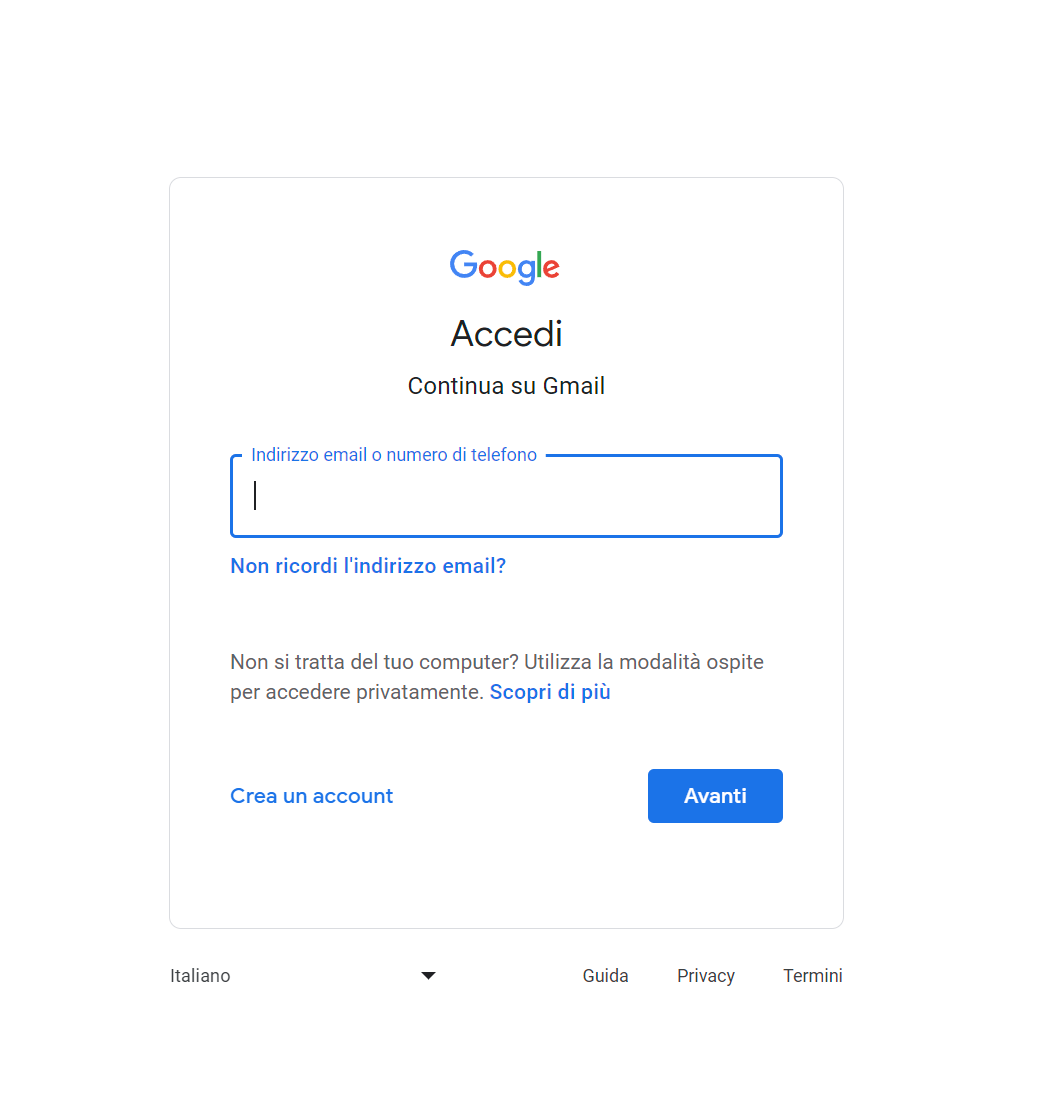
how to access gmail - Enter Your Credentials: If you already have a Google account, enter your email address and password. If you don't yet have an account, follow the link to create a new one.
- Access Your Inbox: Once you have logged in, you will be automatically directed to your Gmail inbox.
Step 2: Manage Your Inbox
Once you have accessed your inbox, it is important to know how to manage it effectively:
- Email Organisation: Use Gmail's labels and filters to organise your emails efficiently.
- Advanced Search: Use the advanced search function to quickly find specific emails.
- Custom Settings: Customise your account settings to suit your needs.
Security and Privacy
Security and privacy are crucial when it comes to email. Make sure you:
- Use Strong Passwords: Choose complex passwords and change them regularly.
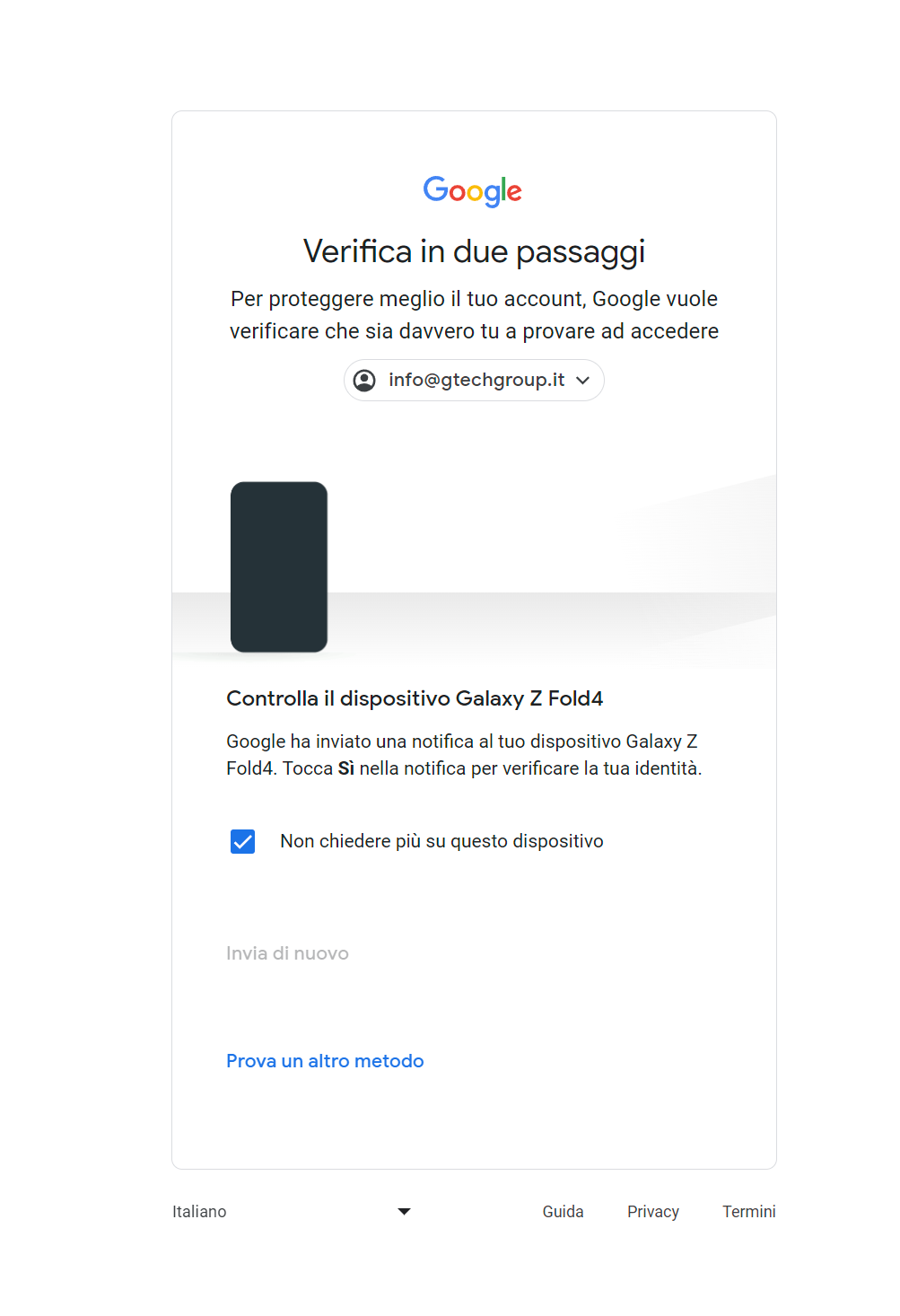
- Two-Step Verification: Enable two-step verification for an extra level of security.

two-step verification with gmail, the safest method. - Stay Updated: Keep an eye on the latest news and security updates from Google.
Gmail on Mobile Devices: Android and iOS Apps
Not just from a computer, but also on the go: accessing Gmail is possible anywhere thanks to its dedicated mobile apps for both Android and iOS. These apps, optimised for mobile devices, offer almost all the features found in the desktop version, but with the convenience of being able to manage your emails directly from your smartphone or tablet.
Features of the Gmail App
- Real-Time Notifications: Stay up to date with instant notifications for new emails.
- Enhanced Search Functions: Easily find what you're looking for within your inbox.
- Multiple Account Management: Easily switch between different Gmail accounts or those of other providers.
Download the Gmail App
- For Android users Android, the Gmail app is often preinstalled on devices, but if you don't have it or want the latest version, you can download it from the Google Play Store.
- iOS users iOS can download the Gmail app from theApple App Store.
By using the Gmail app on your mobile device, you can make sure you are always connected and able to manage your email efficiently, wherever you are.
Common Troubleshooting
If you have trouble accessing your Gmail inbox, here are some tips:
- Forgotten Password: Use Google's password recovery function.
- Connection Problems: Make sure your internet connection is stable.
- Outdated Browsers: Update your browser to the latest version.
Conclusion
Accessing your Gmail inbox is a simple and straightforward process. By following this guide, you can not only easily access your email, but also manage it more effectively. Remember to always keep security and privacy as your top priority.
For further information and support, visit the Gmail Help Center.